
EAN Already in Use? Why It Happens and How to Fix It
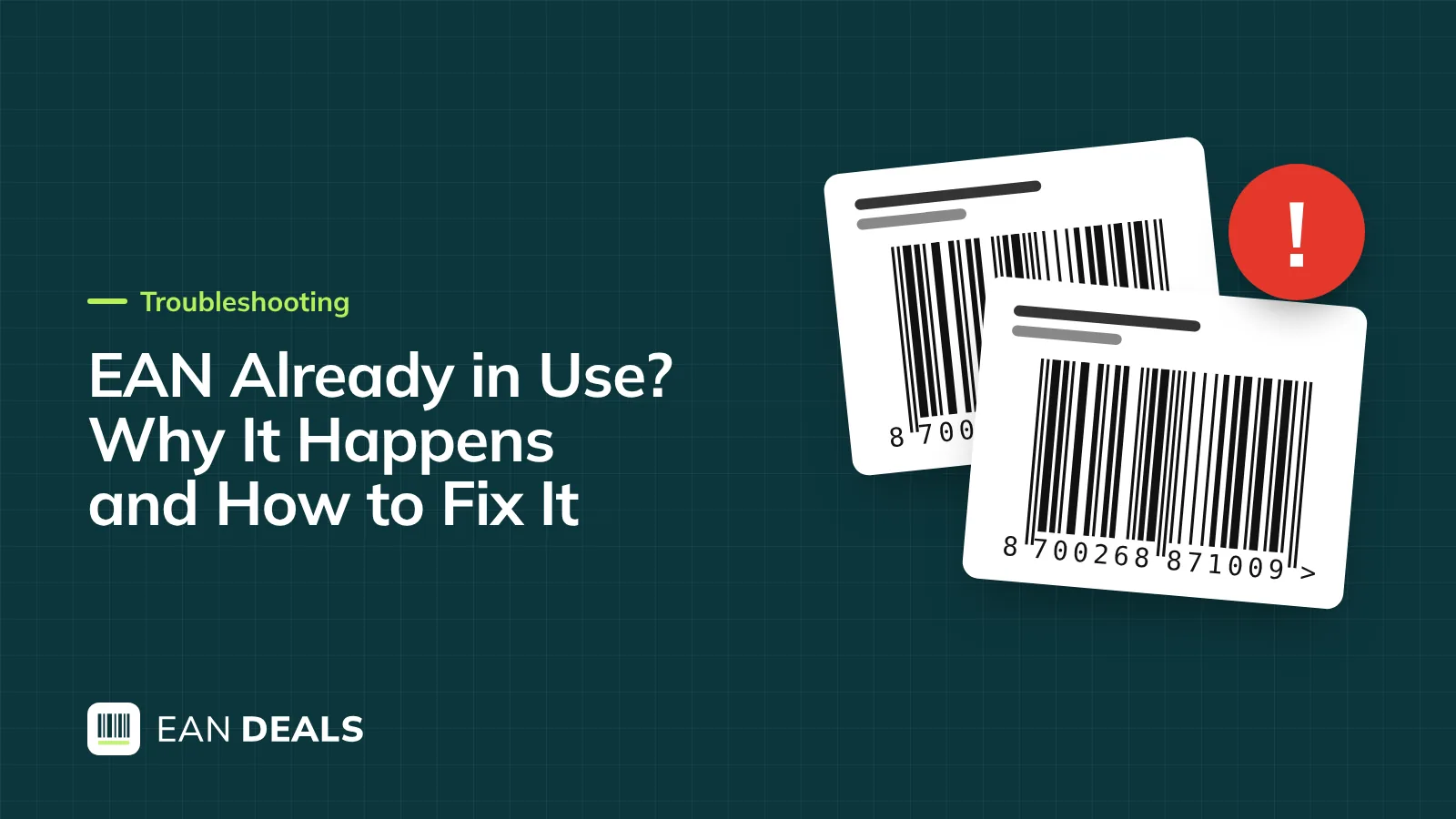
An 'EAN already in use' error means the marketplace already links that number to a product, often because the code was sold or used before, or because two of your own variants share it. Find which cause applies before you change anything.
Key points
- Most clashes come from codes sold to more than one buyer, reused codes or variants sharing a code.
- Search the number on the marketplace and in Google before you list or print.
- On Amazon, errors 8541 and 8542 mean the product ID is already linked to an ASIN whose details conflict with yours.
- A competitor selling the identical product on your page is normal; a different product is not.
- Keep invoices, your code register and dated photos: they are your evidence.
You upload a new yoga mat to Amazon.co.uk and the listing snaps onto a page for a stainless-steel garlic press. Or eBay suggests a catalogue match for a product you have never heard of. Or a competitor turns up on your own product page. What does "EAN already in use" mean? The marketplace already links that number to a product. Usually the code was sold to someone else as well, was used for another product before, or is shared by two of your own variants. Work out which of those it is before you change anything, because the fix is different for each.
This guide walks through the causes, a five-minute check before you list, what to do on Amazon and eBay, the evidence that actually helps, and how to stop it happening again. Marketplace processes are described as of October 2026.
EAN already in use: the five causes
| Cause | How you recognise it | Who has to fix it |
|---|---|---|
| Code sold to more than one buyer | Listing joins an unrelated product from another seller | You: replace the code; raise it with the seller of the codes |
| Code reused for a new product | Old product of yours or a previous owner appears | You: give the new product a fresh code |
| Two of your variants share a code | Clash between your own sizes or colours | You: one code per variant |
| Your own earlier listing | The page is yours, from an old account or channel | You: list against the existing page |
| A competitor selling the identical product | Same genuine product, another seller on your page | Usually nobody: this is normal on catalogue sites |
Codes sold twice
This is the big one. Bulk lists of codes from auction sites and cheap spreadsheets are often the same numbers sold over and over. The first buyer to list a number "owns" that product page on catalogue marketplaces, and every later buyer lands on it. There is no technical fix beyond replacing the code, which is why the most important question when you buy codes is whether a number can ever be sold twice. Our buying checklist covers that.
Reused codes
GS1 UK states that from January 2019 GTINs should never be reused. Before that, codes could be recycled after 30 months in apparel and 48 months in grocery. Marketplaces keep old code-to-product links for a long time, so a code that once belonged to a discontinued product can drag that old page back to life.
Variants sharing a code
A clash between your own products is easy to fix and easy to cause: the medium and large size were copied from the same spreadsheet row, or a new colour got the old colour's code. Google is explicit that each colour or size variant has its own GTIN, and marketplaces work the same way. See how many EAN codes you need for counting variants properly.
- Code sold twiceSame number goes to two buyers
- Buyer A listsMarketplace links code to a garlic press
- Buyer B listsEnters the same code for a yoga mat
- ClashError, or yoga mat joins the wrong page
How to check an EAN before you list it
Five minutes of checking saves weeks of support tickets. Do this for every new code, before you print labels.
- Validate the numberRun it through an EAN checker to catch typos and wrong check digits.
- Search the marketplacesPaste the 13 digits into Amazon.co.uk and eBay.co.uk search.
- Search GooglePut the number in quotes and look for product pages.
- Look up the licenceVerified by GS1 shows the company GS1 licensed it to, if any.
- Record itWrite the code next to one product in your register.
A word on Verified by GS1: it shows the company a number is licensed to at GS1, and whether GS1 issued it. For codes that did not come from your own GS1 membership, including ours, it will show the original licensee or nothing at all, never your company. That is expected and not a sign that the code is in use elsewhere. For our codes, the gtincodes.com register shows that the number was issued to you.
What to do on Amazon
Amazon gives specific error codes, and each points to a different problem:
- 8541 and 8542: the product ID is already linked to an existing ASIN, and your data conflicts with it. Amazon's message usually names that ASIN and the attributes that differ, such as title, brand, size or colour. If it is the identical product, align your details and sell on the existing page. If the existing product is not yours and not identical, the code is burnt for Amazon: use a different code that you have checked, or, for a branded product, a GS1 code licensed to you.
- 5461: the code does not match the brand you entered. This is the GS1 brand check, not a duplicate. M2E Pro advises contacting Selling Partner Support and quoting 5461 only if the codes genuinely belong to the brand.
If another seller is on your Amazon page selling the identical product, that is how Amazon's catalogue works. Your real protection is a trademark and Amazon Brand Registry, which gives brand owners control over listing content and tools to report sellers offering something different. Our Amazon guide explains when Brand Registry and GS1 make sense.
What to do on eBay and other marketplaces
On eBay.co.uk, a clash usually shows up as a catalogue match to the wrong product. Don't accept the suggested match. Check whether the code is right, replace it if it was sold twice, and keep a note of the old code so you never use it again. GS1 UK notes that on eBay you can update a GTIN at any time, so this is far less painful than on Amazon.
If a seller is offering a different product on your listing, report the listing through the marketplace's reporting tools with your evidence. If they are selling the identical genuine product, there is usually nothing to report.
Duplicate code or hijacked listing?
The two feel the same when you discover them, but they are different problems:
- Duplicate code: you are trying to create a new product and the number already points somewhere else. The fix is on your side: a new, checked code or a corrected variant.
- Hijacked listing: your product page exists and works, but another seller has attached an offer to it. If their item is identical and genuine, that is competition, not a code problem. If it is a cheaper copy or a different item, it is a listing-integrity problem, and the routes are trademark-based: Brand Registry on Amazon, reporting tools elsewhere.
Changing your EAN does nothing against a hijacker. They simply follow the product page, not the number. That is why the evidence below matters more than the code itself.
Evidence that actually helps
When a marketplace or a competitor questions who a code belongs to, these carry weight, roughly in this order:
- A registered trademark visible on the product and packaging.
- Your purchase invoice for the codes and your register entry or certificate.
- Dated photos and an unboxing video of your product with the barcode.
- Your first listing date, with screenshots.
- A test purchase of the other seller's item, if they are selling something different.
How to stop it happening again
- Buy codes that are never sold twice and recorded against you.
- One code per variant and bundle, assigned in a spreadsheet the day you create the product.
- Never move a used code to a different product, even a discontinued one.
- Check every code before printing, using the routine above.
Worked example: fixing a clash
Megan sells unbranded yoga mats in two colours. Her purple mat lists fine; the green one, copied from the same spreadsheet row with the same 13 digits, throws error 8541 because Amazon sees a second colour on a code it already links to the purple mat. She assigns the green mat the next unused code from her pack, checks it in the EAN checker, searches it on Amazon (no results), updates the spreadsheet and relists. Total time: ten minutes.
When GS1 is the better choice
If clashes keep happening on Amazon with a branded product, or a retailer asks you to prove the code is registered to your company at GS1, bought-once codes are the wrong tool. GS1 UK membership puts your company against the codes in Verified by GS1, which is what Amazon's brand check and retail buyers look at.
What to do now
- Identify which of the five causes fits your clash before changing anything.
- Run the five-minute check on every new code before you list or print.
- On Amazon, fix the cause behind 8541, 8542 or 5461 instead of trying other codes.
- Keep invoices, your register entry and dated photos together in one folder.
- Retire burnt codes in your spreadsheet so they are never used again.
Frequently asked questions
Can two products have the same EAN?
They should not. An EAN identifies one specific product version, and GS1 rules say a GTIN used for one item must never be reallocated to another. In practice clashes still happen when codes are sold twice or recycled, which is why you should check a number before you list it.
How do I find out what product an EAN belongs to?
Search the number on Amazon.co.uk, eBay.co.uk and Google first. Then look it up in Verified by GS1, which shows the company GS1 licensed it to, if any. For codes bought from us, our register shows that the number was issued to you. Our EAN checker confirms the number itself is valid.
Is it illegal for someone to sell on my barcode?
Not in itself. An EAN is not a trademark, so another seller offering the identical genuine product on the same code is normal on catalogue marketplaces. It becomes a problem when they sell a different or counterfeit product on your page; then trademark and marketplace rules give you routes to act.
Can I just buy a new code and relist?
On eBay and your own shop, yes: replace the code and keep a note. On Amazon, changing the product ID of an existing ASIN is difficult and can mean relisting, so first find out whether the clash is on your side. Never keep cycling through codes until one passes.
Does the protection plan stop other sellers using my code?
No register can stop someone typing a number into a form. Our optional protection plan shows your company name when someone checks the code and gives you an ownership certificate, which is useful evidence. It is not a GS1 registration, and marketplaces that check GS1 data will not treat it as one.
Sources
- Common GTIN problems – GTIN.info
- From January 2019 GTINs should never be reused again – GS1 UK
- Verified by GS1 – GS1
- Error 5461: UPCs, EANs… that do not match the products – M2E Pro
- GTIN [gtin] – Google Merchant Center Help
- Amazon integration with a registered brand instead of GTIN exemption – Printful Help Center
- Barcode integrity – GS1 Australia
More articles
All articles-
 Buying Buy EAN Codes in the UK: What to Check Before You Pay You can buy EAN codes once, without a yearly licence, and use them for unbranded goods and your own shop. Before you pay, check that each number is unique, recorded against you and sold without false GS1 claims. 9 min read
 -
 Buying How Many EAN Codes Do I Need? Count Them Right First Time You need one EAN code for every version of a product a customer can buy separately: each size, colour, flavour, pack size and bundle. You do not need one per individual item in stock. 9 min read
 -
 Marketplaces Barcode for Amazon UK: Selling With or Without GS1 Amazon.co.uk asks for an EAN or UPC in most categories and checks it against GS1 data. For a branded product, use GS1 codes licensed to you or apply for a GTIN exemption; non-GS1 codes are only realistic for Generic listings, and even then without guarantees. 9 min read
 -
 Marketplaces EAN Codes for eBay UK, Etsy and OnBuy: What Each One Needs eBay.co.uk asks for an EAN in many categories but accepts 'Does not apply' when your product truly has none. Etsy rarely needs one for handmade items, and on OnBuy you should check the barcode field for your category before you buy. 8 min read